
01
Find and follow
Browse Discover and Charts, search for a show, or add a public RSS feed. Follow the podcasts you want in your library.
Coming soon on Android
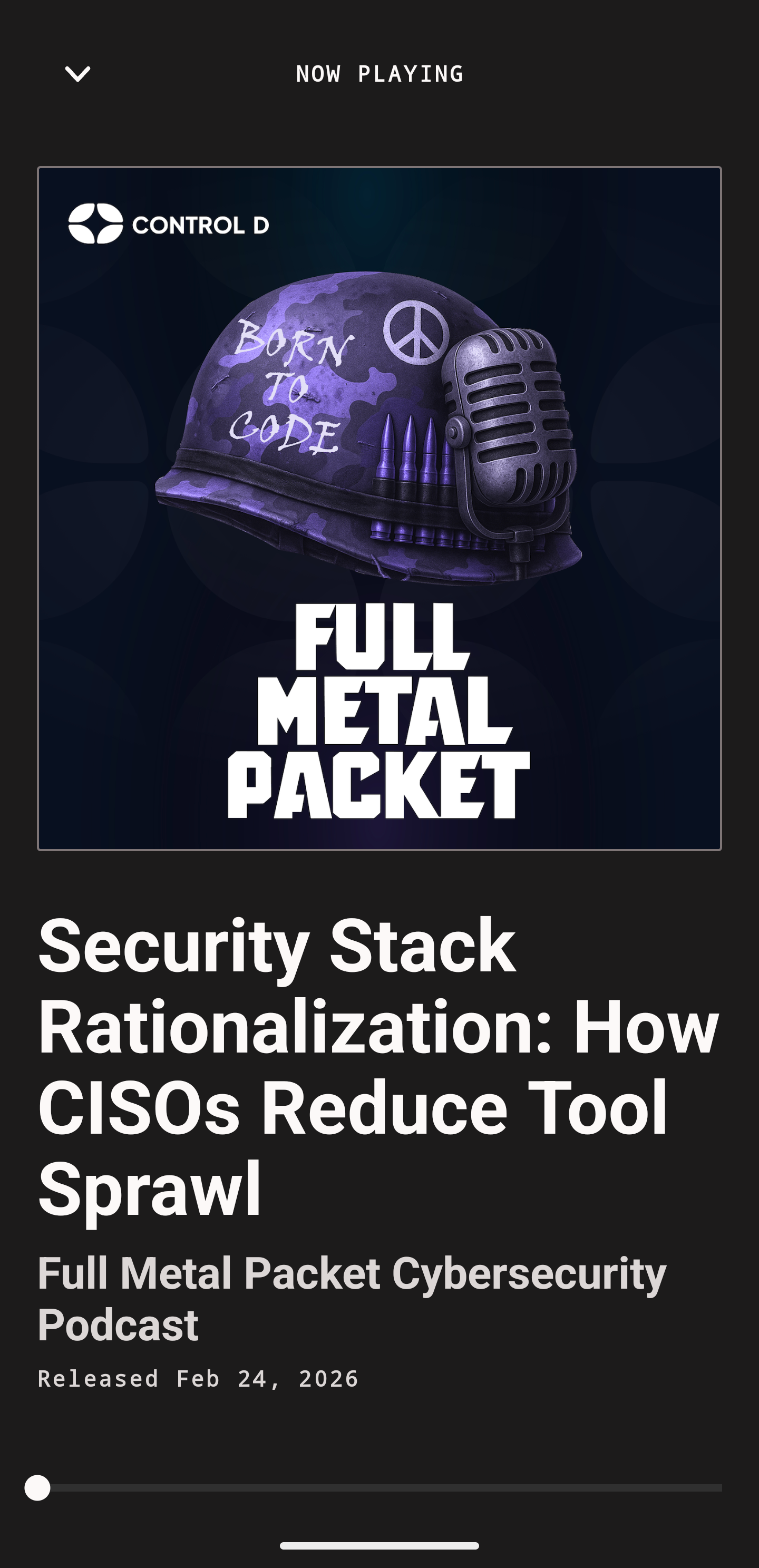
Find your next show. Build a queue for the day. Download an episode for later, or read along with a transcript. Cadence keeps listening in your hands.
Made for listening
Your shows, your queue, your pace. A clear library and playback controls that make room for the episode.
What it does
A look at the current Android preview.
01
Browse Discover and Charts, search for a show, or add a public RSS feed. Follow the podcasts you want in your library.
02
Build a queue, make a playlist by hand, or let smart playlist rules gather matching episodes. Keep downloads ready for offline listening.
03
Set playback speed, skip intervals, intro and outro skips, silence trimming, and volume boost. Give individual shows their own settings.
04
Open publisher transcripts from an episode or Now Playing, and use chapters when the feed includes them. Save a bookmark when you want to come back.
05
Keep playback progress, history, bookmarks, and preferences on your device. Bring your library with OPML, a Pocket Casts import, or a Cadence backup.
06
Optional automatic ad and promotion skipping is in a limited Android preview. With your consent, it processes episodes you have downloaded, with separate controls and an immediate undo. Streamed-only playback is not analyzed.
Current Android build
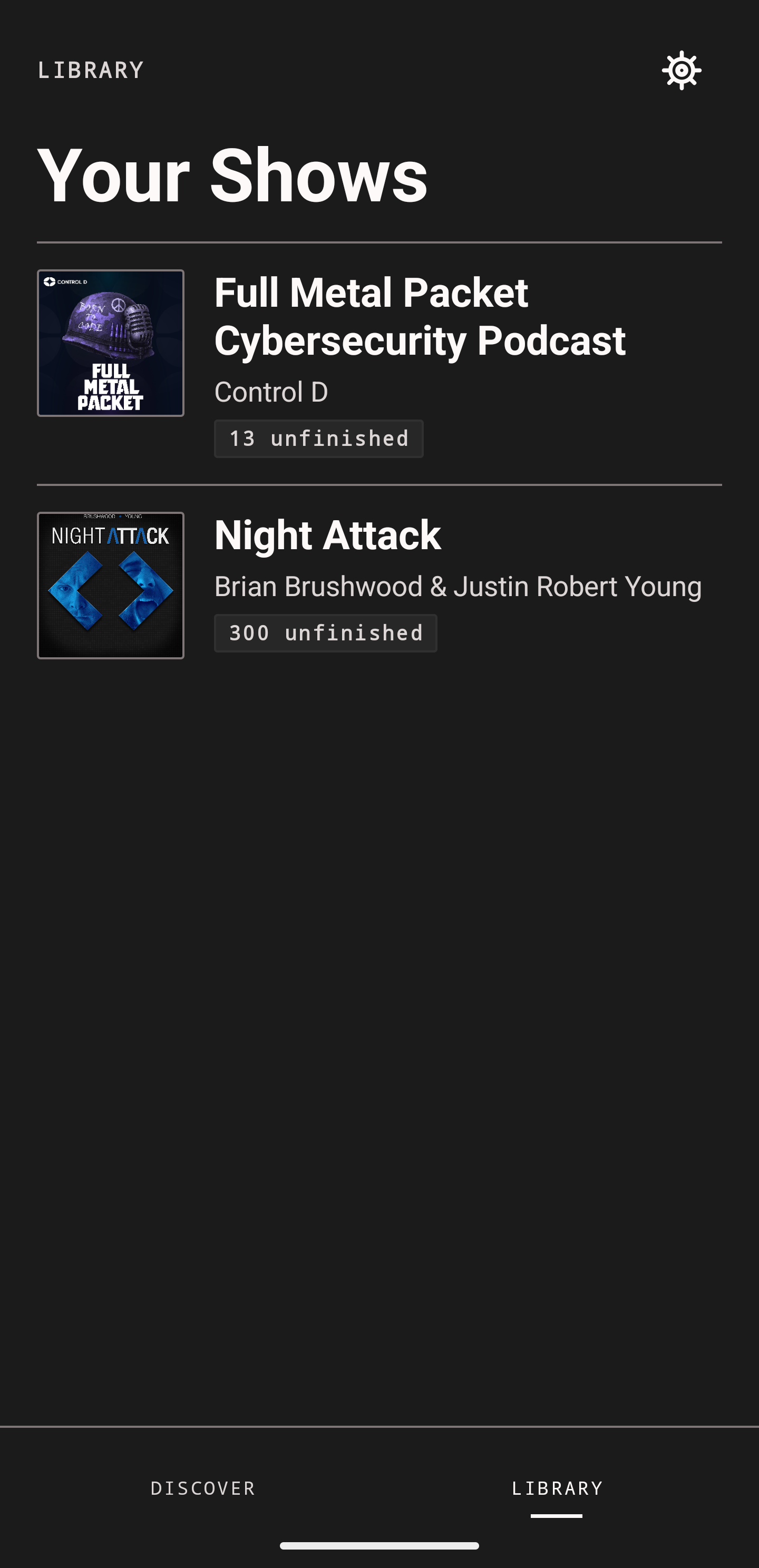
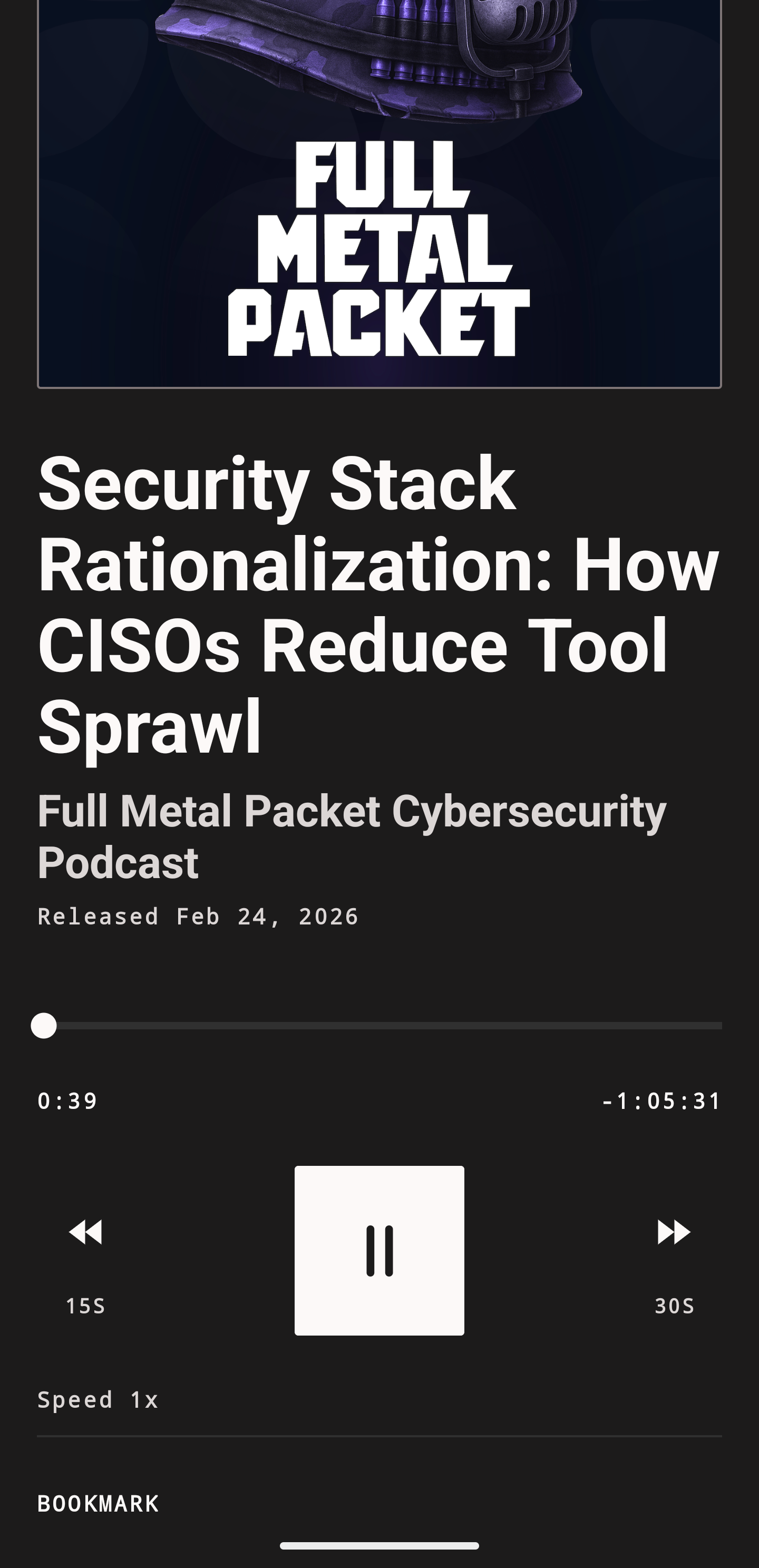
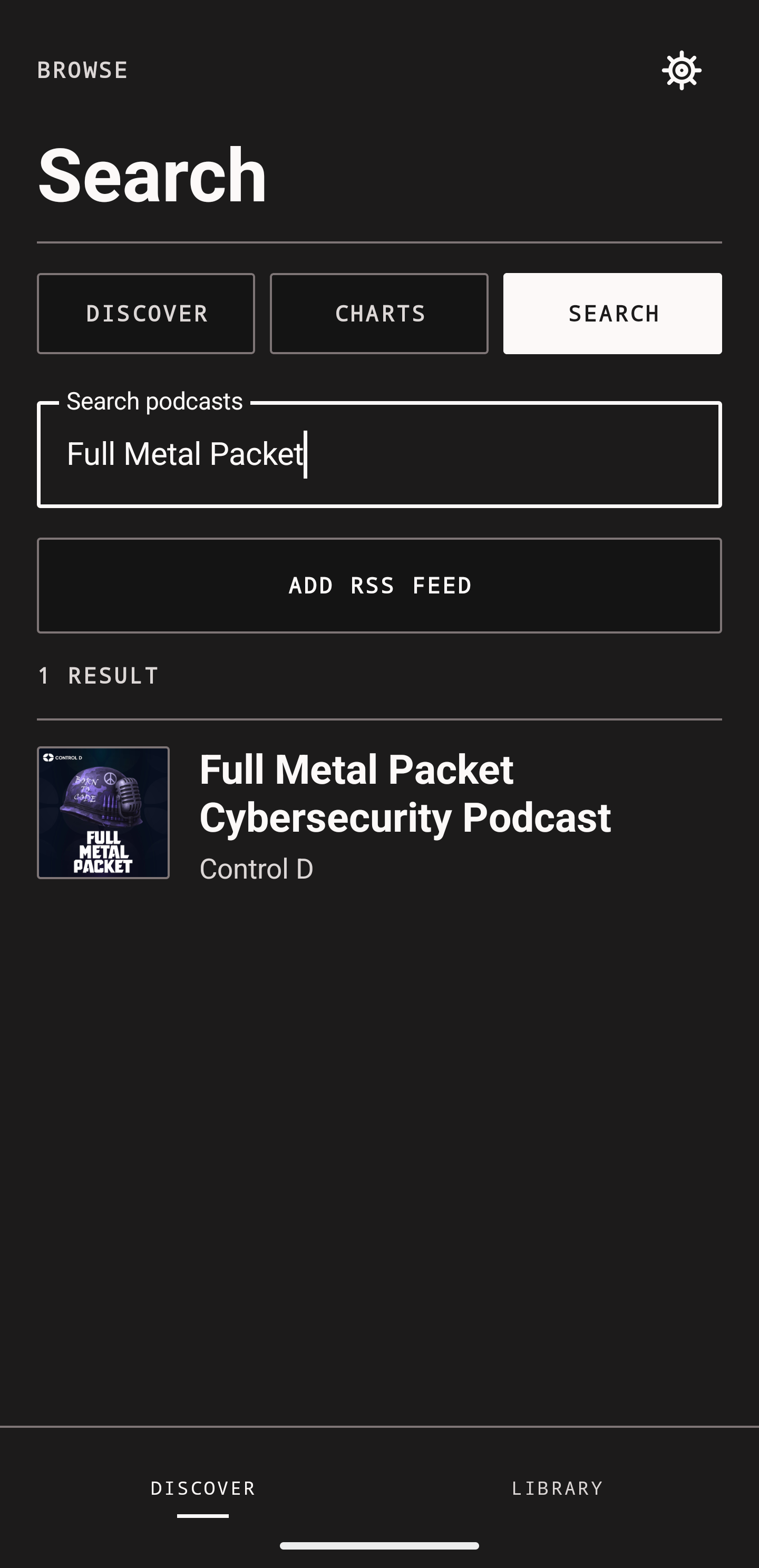
Screenshots from the Android preview. Shows and artwork belong to their publishers; inclusion does not imply an endorsement.
Release status
Cadence is being tested in a limited Android preview. The app is not publicly listed yet. Join the waitlist for beta invitations and launch news; the Play Store link will appear here when ready.